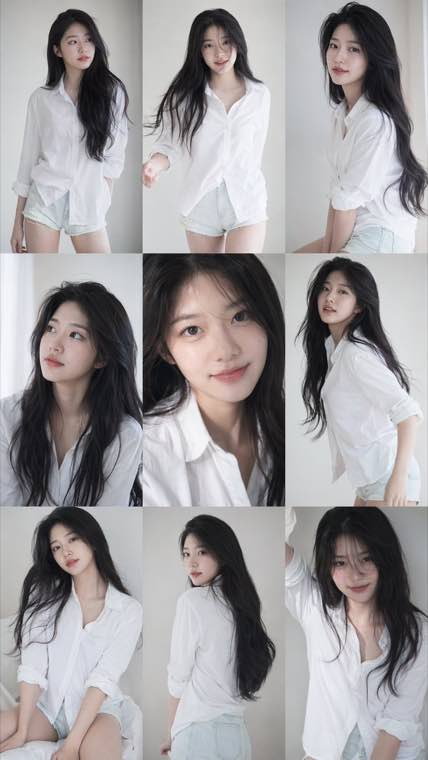
A consistent nine-frame portrait series with soft photobook lighting and natural texture.
Image to Image AI Generator & Editor
Upload any photo and reimagine it in seconds with our image to image AI. Restyle it, edit it with text prompts, or spin up fresh variations while keeping the original composition intact - an AI image editor and img2img generator in one tool.
Free to start • AI image editor • Commercial license
What Is Image to Image AI (img2img)?
Image to image AI, also called img2img, transforms a photo you already have instead of drawing one from a blank canvas. Unlike text-to-image generators, this AI image editor reads your upload and reworks it - swapping the art style, editing details from a text prompt, or enhancing quality - while preserving the original composition, pose, and layout. Whether you want to restyle a portrait, turn a photo into a cartoon, or clean up an old scan, you describe the change and the model handles the pixels. It is the fastest way to edit and reimagine images without manual masking or design skills.
Powerful Image to Image AI Features
Everything you need to restyle, edit, and enhance your images with AI
- Image to cartoon, photo to anime, oil painting, watercolor, sketch, or cinematic looks from one prompt
- Your subject, pose, and framing stay intact while the style changes
- Swap between styles instantly to compare creative directions
- High-resolution output ready for print and commercial use
Who Uses Image to Image AI?
Trusted by professionals and creators across industries
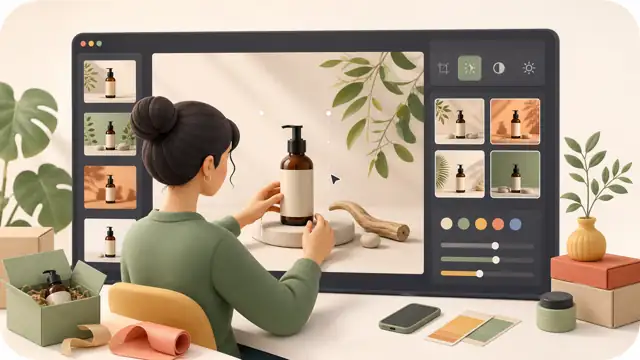
E-commerce Sellers
Restyle plain product shots into lifestyle scenes and seasonal looks without booking a new photoshoot. Generate consistent catalog visuals in minutes.
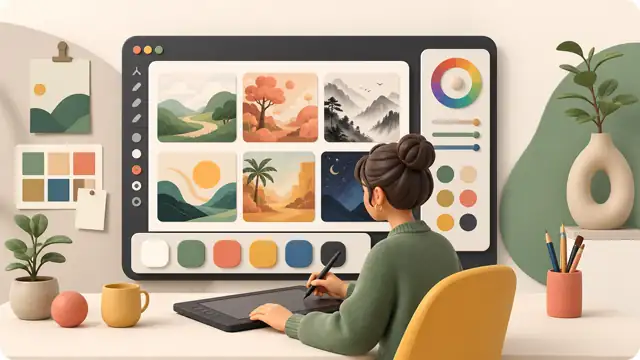
Designers & Artists
Explore art directions fast, from cartoon and anime restyles to painterly looks. Turn one concept into a set of options to present to clients.
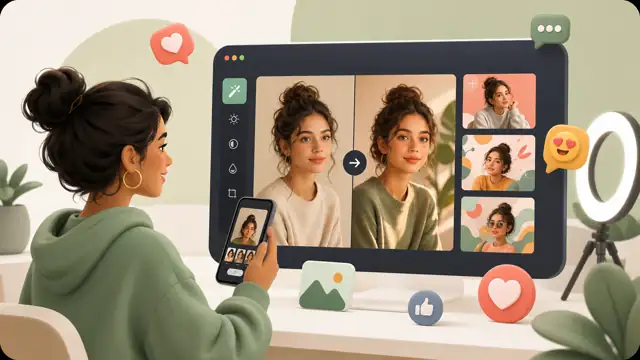
Social Media Creators
Keep a consistent visual identity by transforming everyday photos with prompts. Produce scroll-stopping variations for every platform and format.
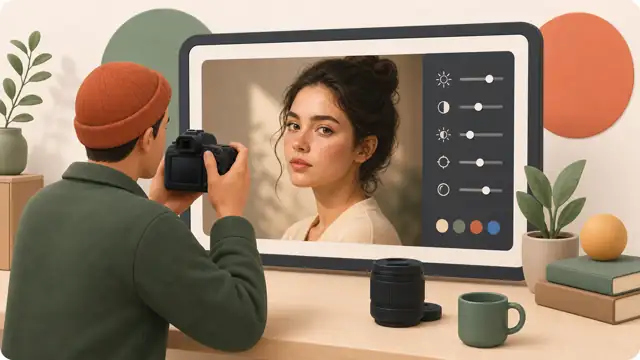
Photographers
Offer clients artistic reinterpretations of their shots, restore old photographs, and enhance image quality with AI-powered editing.
Marketing Teams
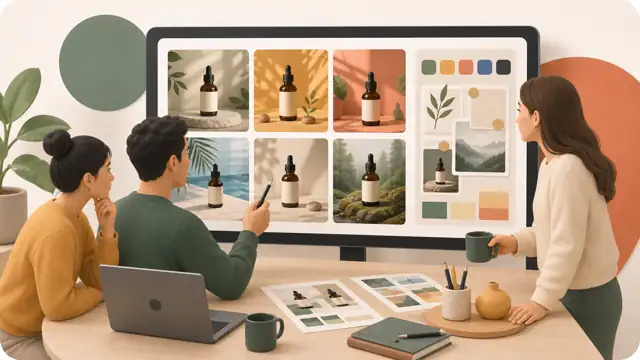
Generate multiple ad creative variations for A/B testing and localize campaign visuals without extra shoots. Move from brief to assets faster.
Content Writers
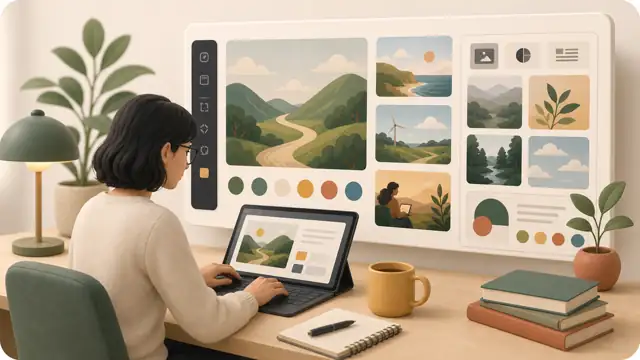
Turn stock photos into unique, on-brand illustrations for blog posts and articles. Reimagine any image to fit your story in seconds.
Why Choose Our Image to Image AI?
A fast, flexible AI image editor built around choice and control
Multiple AI Models
Switch between leading models like Flux 3, Flux 2, Seedream, GPT Image 2, and Z-Image to find the best fit for each edit - all in one workspace, no extra tools needed.
Precise Prompt Control
Guide every transformation with detailed text prompts and output settings, so the result matches the look you had in mind.
Commercial License
Images created on paid plans come with full commercial-use rights, so you can ship them in client work, ads, and products worry-free.
Free to Start
Create an account and start transforming images with welcome credits. Upgrade only when you need more volume, higher quality, or commercial licensing.
Privacy Protected
Your uploads are processed securely, never used for training, and can be deleted anytime you choose.
Works Everywhere
Runs in your browser on desktop, tablet, and mobile - fast results in seconds with no app to install.
How to Use Image to Image AI
Transform your images in 4 easy steps - no technical skills required
Upload Your Image
Drag and drop your photo or click to browse. JPG, PNG, and WebP files are supported.
Set Output Options
Pick your model, aspect ratio, and resolution so the output matches where you will use it.
Describe Your Edit
Write a prompt for the style, edit, or scene you want, from a cartoon restyle to a background swap.
Generate & Download
Click generate to transform your image in seconds, then download it or spin up more variations.
Frequently Asked Questions
Everything you need to know about image to image AI and img2img editing
Ready to Transform Your Images with AI?
Join creators, designers, and businesses using image to image AI to restyle, edit, and enhance their visuals.